
Guides - Common DNS Configurations
A comprehensive, reliable, and fast DNS service, providing easy domain management to Linode customers at no charge.
Set Up a Domain
The most common DNS configuration is a single domain name on a single Linode. For this, you’ll need to add SOA and NS records for all of your name servers, and A/AAAA records for your domain names. Use the screenshot below as a guide.

![The SOA record is set to “example-site-demo.com”. The NS records are set to “ns1.linode.com” through “ns5.linode.com”, inclusive. The MX record is set to “mail.example-site-demo.com”. There are A records for [blank], which is the primary domain, and the “mail” and “www” subdomains. They are all set to the same IP.](/docs/products/networking/dns-manager/guides/common-dns-configurations/common-dns-set-up-a-domain_hu4018074edfc0204eb738a69780e12428_416000_694x0_resize_q71_bgfafafc_catmullrom_3.jpg "The SOA record is set to “example-site-demo.com”. The NS records are set to “ns1.linode.com” through “ns5.linode.com”, inclusive. The MX record is set to “mail.example-site-demo.com”. There are A records for [blank], which is the primary domain, and the “mail” and “www” subdomains. They are all set to the same IP.")
![The SOA record is set to “example-site-demo.com”. The NS records are set to “ns1.linode.com” through “ns5.linode.com”, inclusive. The MX record is set to “mail.example-site-demo.com”. There are A records for [blank], which is the primary domain, and the “mail” and “www” subdomains. They are all set to the same IP.](/docs/products/networking/dns-manager/guides/common-dns-configurations/common-dns-set-up-a-domain_hu4018074edfc0204eb738a69780e12428_416000_2560x0_resize_q71_bgfafafc_catmullrom_3.jpg "The SOA record is set to “example-site-demo.com”. The NS records are set to “ns1.linode.com” through “ns5.linode.com”, inclusive. The MX record is set to “mail.example-site-demo.com”. There are A records for [blank], which is the primary domain, and the “mail” and “www” subdomains. They are all set to the same IP.")
![The SOA record is set to “example-site-demo.com”. The NS records are set to “ns1.linode.com” through “ns5.linode.com”, inclusive. The MX record is set to “mail.example-site-demo.com”. There are A records for [blank], which is the primary domain, and the “mail” and “www” subdomains. They are all set to the same IP.](/docs/products/networking/dns-manager/guides/common-dns-configurations/common-dns-set-up-a-domain_hu4018074edfc0204eb738a69780e12428_416000_1600x0_resize_q71_bgfafafc_catmullrom_3.jpg "The SOA record is set to “example-site-demo.com”. The NS records are set to “ns1.linode.com” through “ns5.linode.com”, inclusive. The MX record is set to “mail.example-site-demo.com”. There are A records for [blank], which is the primary domain, and the “mail” and “www” subdomains. They are all set to the same IP.")
Configure Subdomains
To configure a subdomain (e.g.
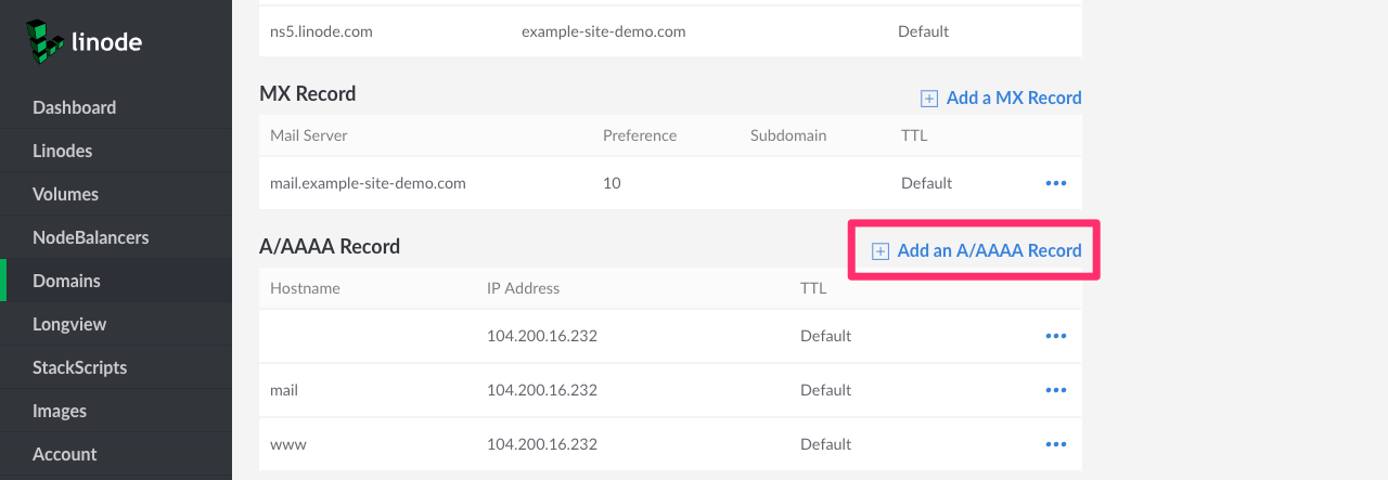
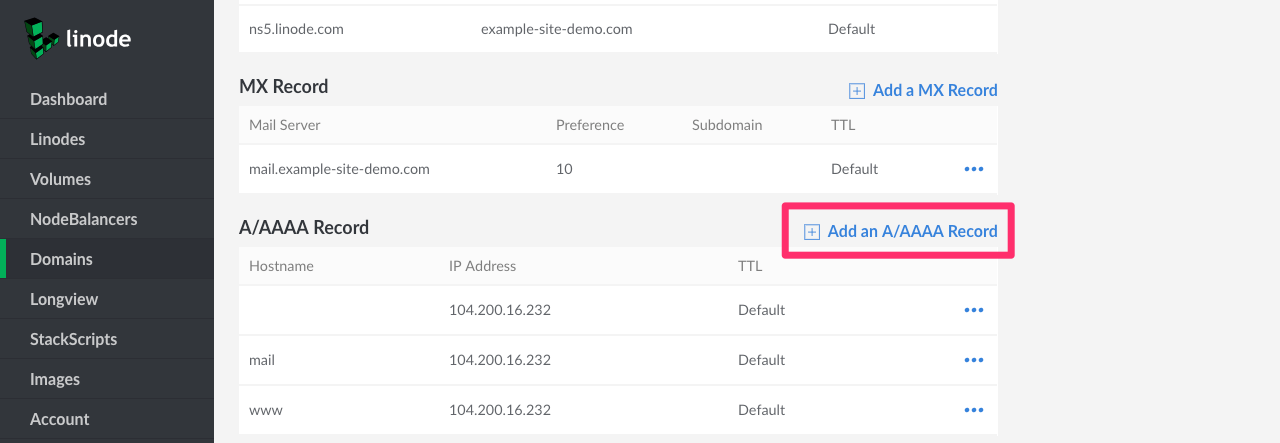
staging.example-site-demo.com), create an A record with the subdomain’s hostname. Click Add an A/AAAA Record: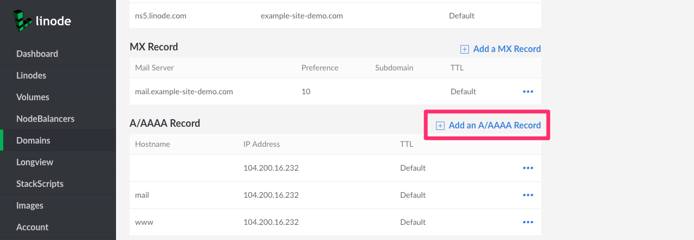
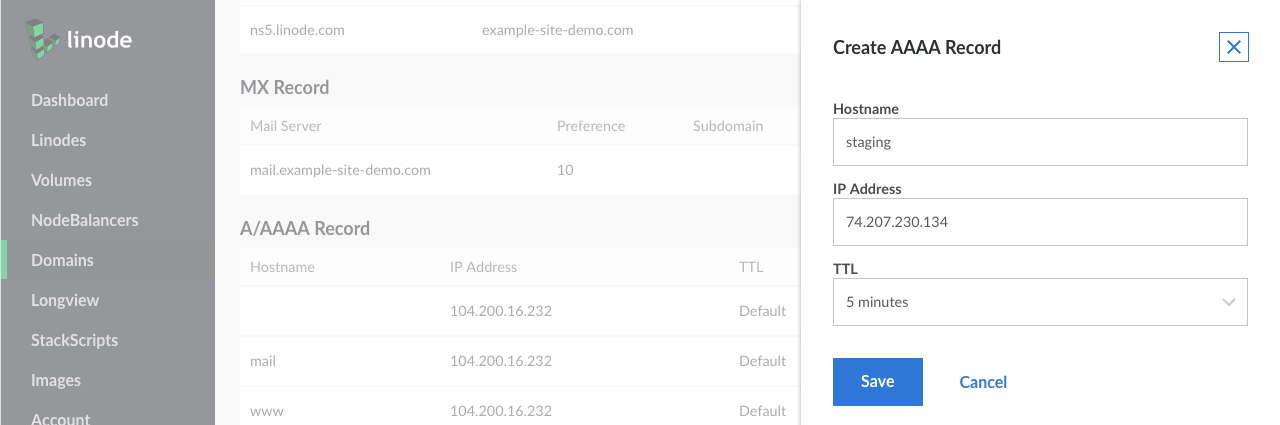
Add the subdomain under the Hostname field. Assign the IP address of the server you want to host the subdomain:
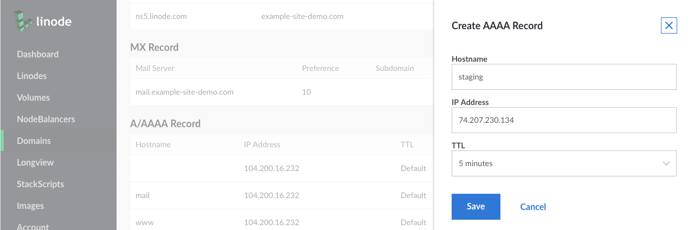
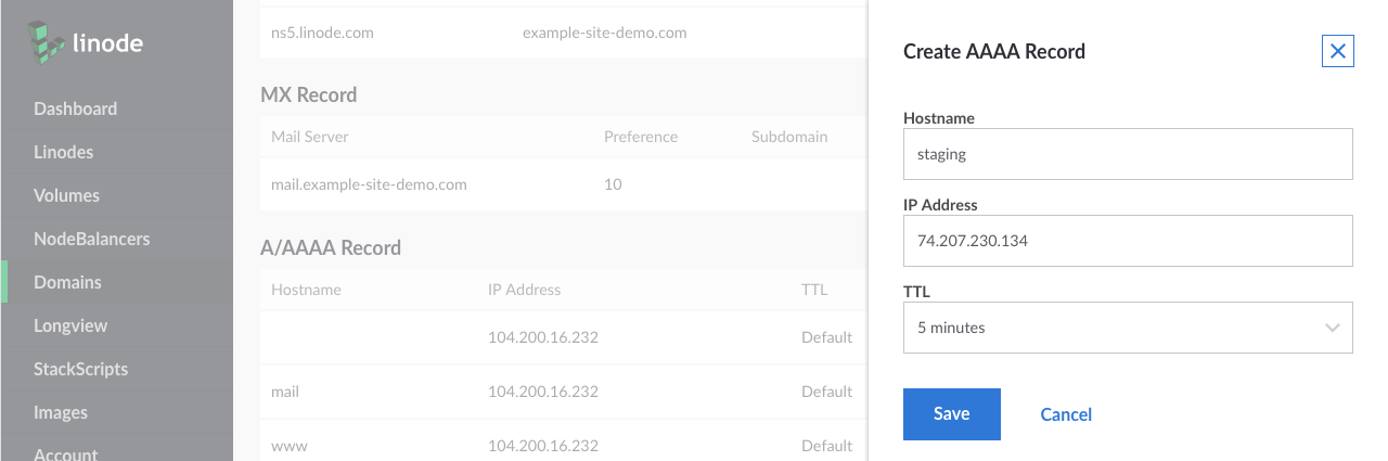
Click on the Save button to create the record.
Multi-level Subdomains The Linode Cloud Manager does not support adding a subdomain of a subdomain in the same domain zone. For example, if you have
example.comas a domain with an A record forstaging.example.com, you cannot createtest.staging.example.comwithin that same domain zone. Instead, create a separate domain zone for the subdomainstaging.example.com. Then, add an A record fortest.staging.example.comto that new zone.See the subdomains section of the DNS manager guide for more information.
Host Multiple Domains on a Single Server
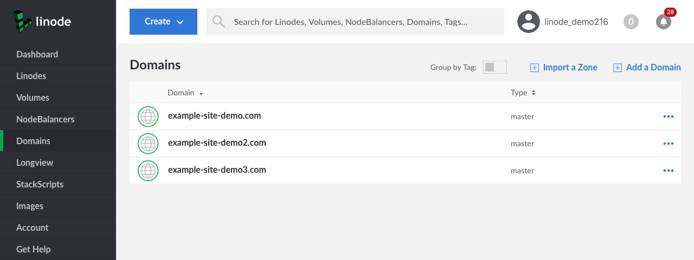
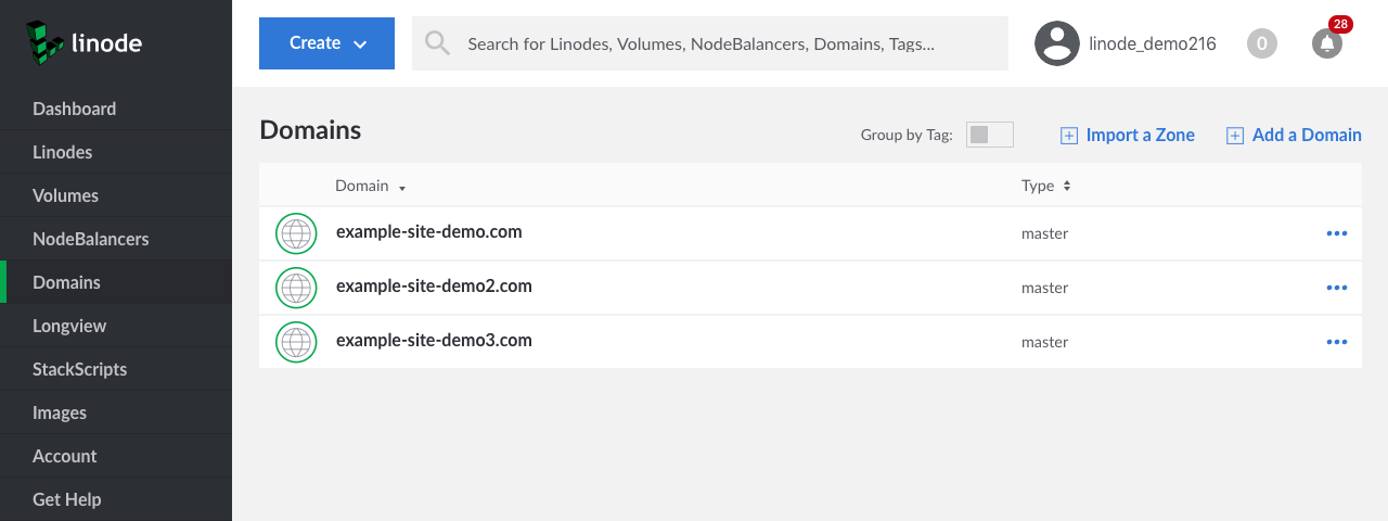
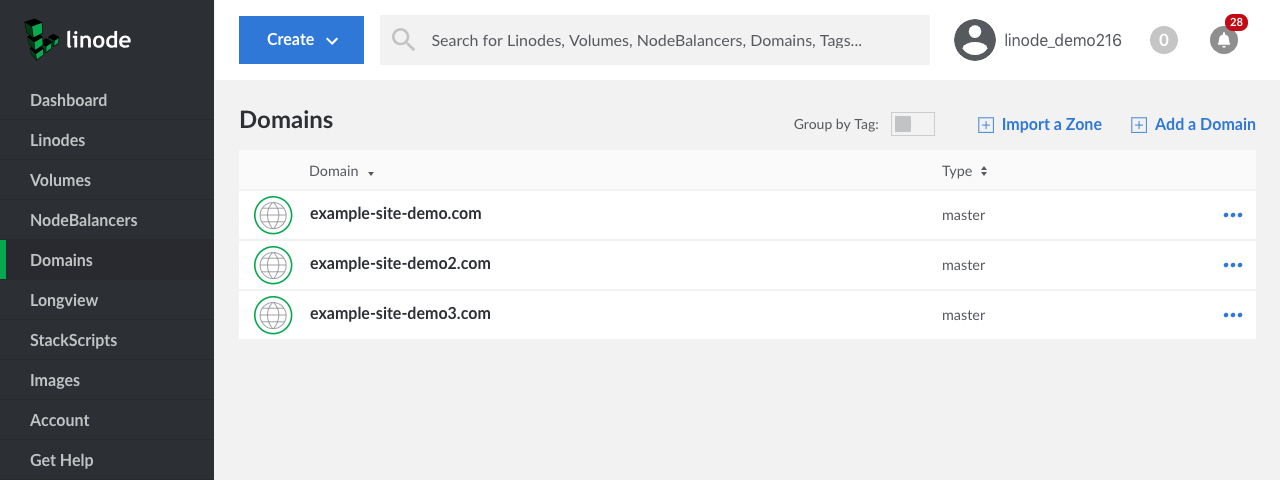
To host multiple domain names on a single server, create a separate domain entry for each domain name as shown below. When creating the new domain entry, we recommend that you allow the Domains section of the Cloud Manager to automatically insert basic records. At a minimum, you’ll need an A record for each domain name pointing to the server’s IP address.
Use One Domain on Multiple Servers
If you have more than one server, but only one domain name, you can point A records with server-specific hostnames to all servers that need domain names. One machine will be the “front end” for the domain, by virtue of the first-level domain’s A record pointing to it, but the domain can serve as a proxy for services provided by other machines, if needed. For example, if you wanted to create a development environment on another server, you could create an A record for staging.example.com and point it at another Linode’s IP address.
Route Email to Third-Party Mail Services
To route email to a third-party email service, create MX records that associate your mail server (for example, mail.example-site-demo.com) with a hostname provided by the third-party service. For more detailed instructions, see the website of your third-party email service.
Use Wildcard DNS Records
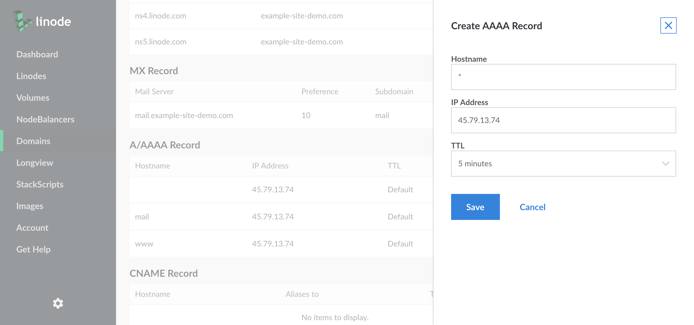
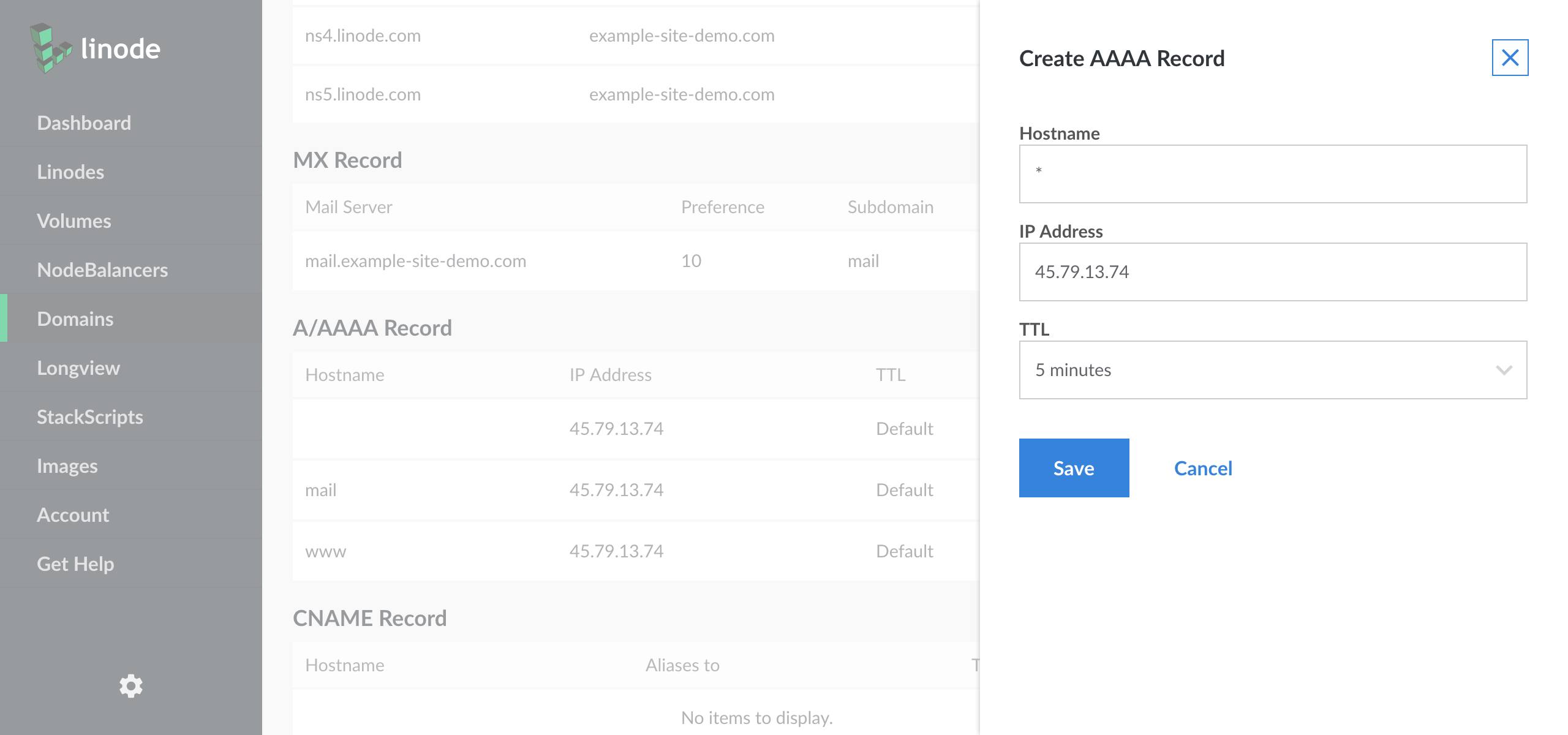
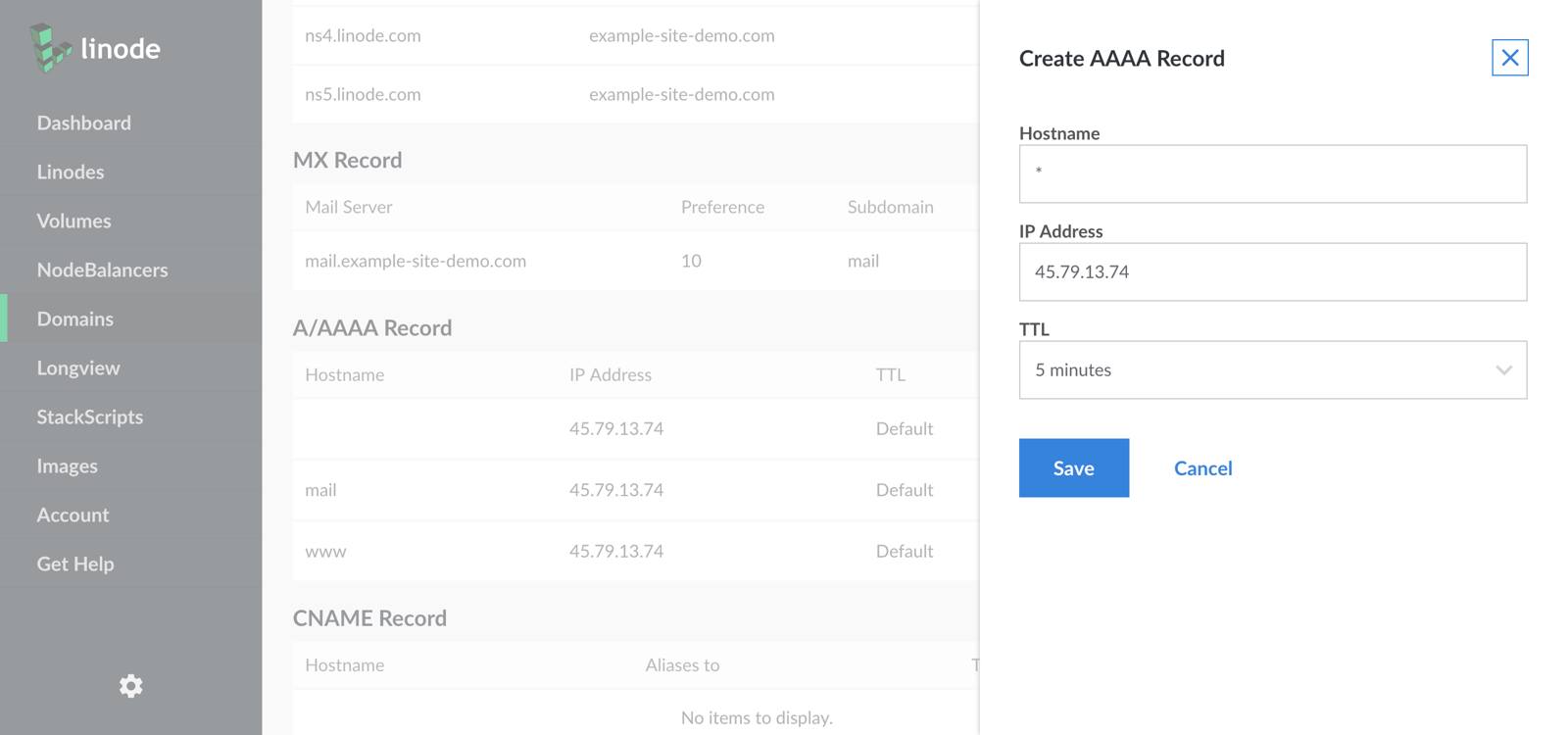
A wildcard DNS record matches requests for non-existent domain names. For example, if you create an A record for *.example.com, and a user visits nonexistantname.example.com, that user will be redirected to example.com. An example wildcard DNS record is shown below.
This page was originally published on